To share what happens on your device click on the iPad with a person in front and select "Share My Screen". The other user will then get a notification to accept seeing your screen.
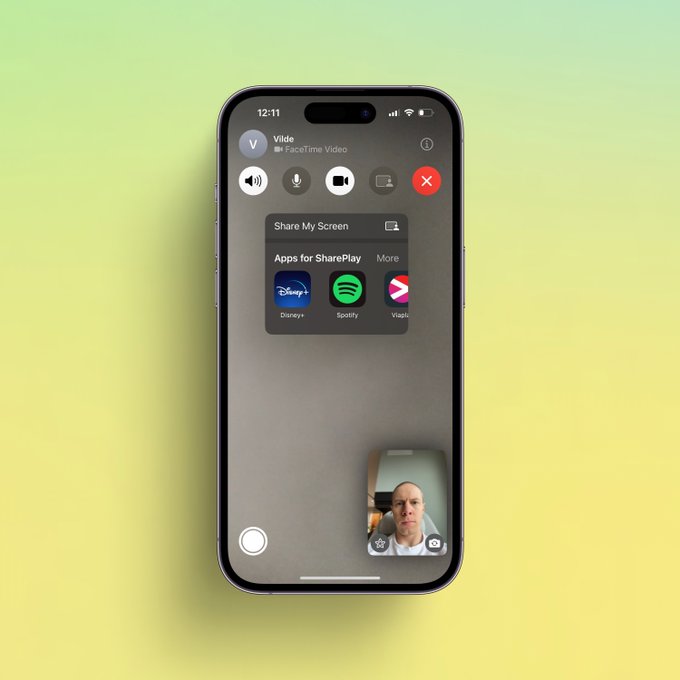
To share what happens on your device click on the iPad with a person in front and select "Share My Screen". The other user will then get a notification to accept seeing your screen.
To share a movie or a TV show together, click on the iPad with a person in front and select the app where it streams, and start playing.
How to schedule FaceTime calls, blur background, share screen, watch videos together, and use voice isolation