Place iPhone face down

When you're not using your iPhone, place the handset face down. The device automatically detects this placement, and won't light up the display when alerts are received.

(You can also adjust Auto-Lock and turn off Raise to wake to get the same effect)
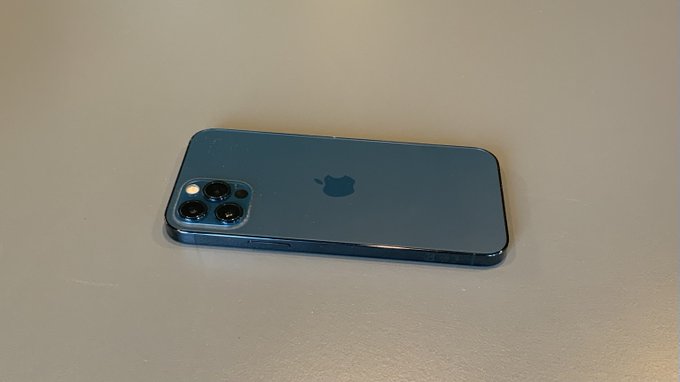
Place iPhone face down
NEXT TIP

How to Turn off screen time and Fitness tracking

Disable Screen Time and Fitness tracking to reduce background battery use.

TIP FROM

13 iPhone Battery Saving Tips to Extend Battery Life

How to improve iPhone battery life with low power mode, background app refresh, location services, and more settings