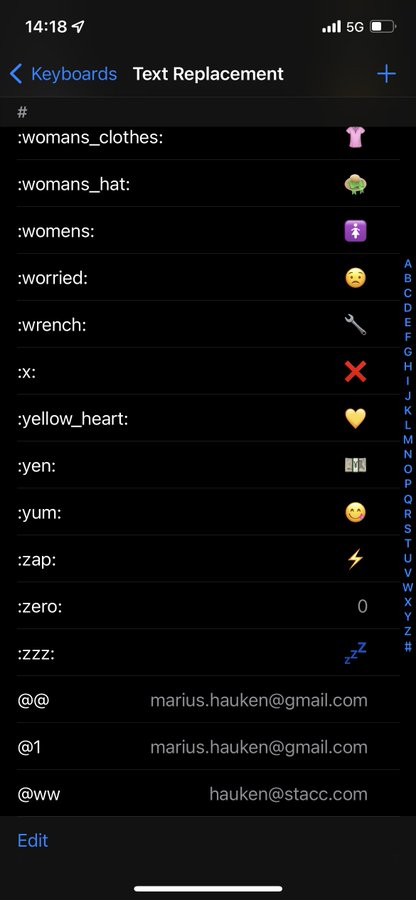
Go to Settings > General > Keyboard > Text Replacement
I use: • @@ for my private email • work@ for work email • feedbin@ for my @feedbin mail • ,## for my phone number • Shorthand for many emojis
Go to Settings > General > Keyboard > Text Replacement
I use: • @@ for my private email • work@ for work email • feedbin@ for my @feedbin mail • ,## for my phone number • Shorthand for many emojis
How to limit screen time, manage notifications, and reduce phone distractions with iPhone settings