First off, if you haven’t upgraded to macOS Ventura go to System Preferences > Software Update and click "Upgrade Now"
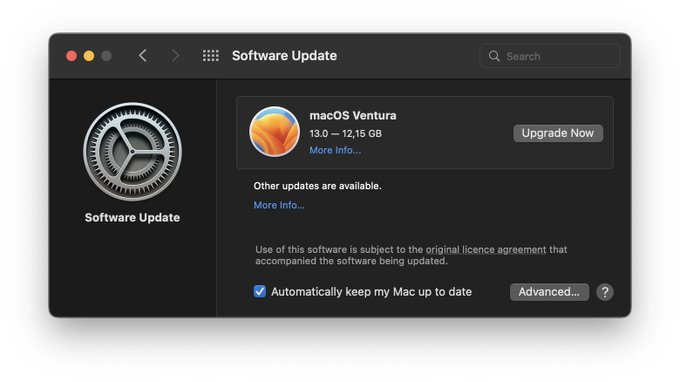
First off, if you haven’t upgraded to macOS Ventura go to System Preferences > Software Update and click "Upgrade Now"
Bring your iPhone (11 and later) close to your Mac and it automatically switches to iPhone as the camera input.
Guide to macOS Ventura's best features including Continuity Camera, Stage Manager, Focus modes, and Mail improvements