Go to Settings > General > Keyboard > Text Replacement
I use: • @@ for my private email • work@ for work email • feedbin@ for my @feedbin mail • ,## for my phone number • Shorthand for many emojis
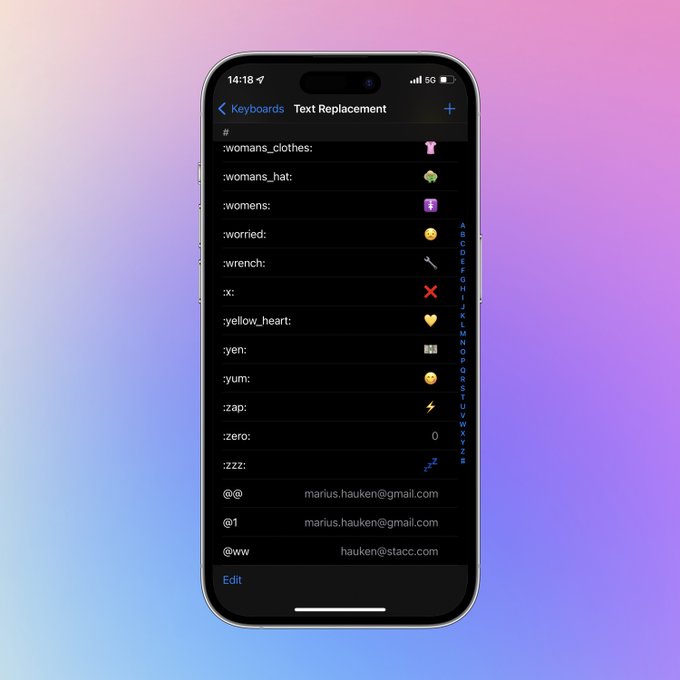
Go to Settings > General > Keyboard > Text Replacement
I use: • @@ for my private email • work@ for work email • feedbin@ for my @feedbin mail • ,## for my phone number • Shorthand for many emojis
Set App Limits and let someone else set the passcode so you stick to your usage goals.
How to limit app usage, block websites, manage notifications, and reduce phone distractions with iPhone settings