- Turn on Assistive Touch under Settings > Accessibility > Touch
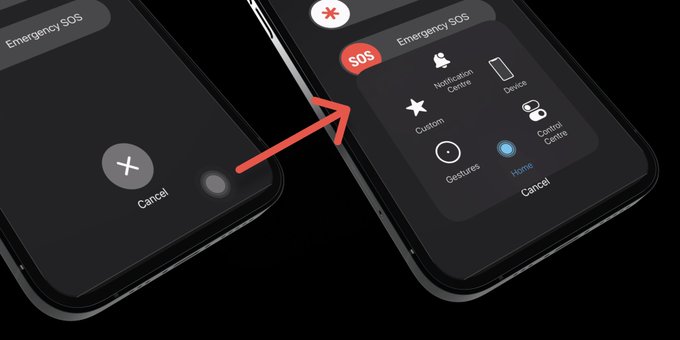
- Hold down the "power" button and the "volume up" button until you see the screen for powering off your phone
- Tap the Assistive Touch icon (a gray circle), then hold the "home" button.
Delete downloaded videos from Settings to quickly free up space.
How to delete apps, clear cache, optimize photos, and manage downloads to free up iPhone storage